Essential Business Technology - Electronics
Article #2 of #5 in the Essential Technology Series
Electronic Technology in Business: A Practical Guide for Small Business Owners
Electronic technology plays a major role in how modern businesses operate, protect their assets, and improve efficiency. From security systems to access control, these technologies help you monitor, manage, and automate important parts of your business.
For many small business owners in South Africa, electronic systems are especially important because they help deal with real challenges like crime, access control, and operational efficiency.
In this article, we will take a deeper look at key electronic technologies that are widely used in businesses. We will explain each one in simple terms and show you how to use them effectively.
1. CCTV Surveillance Systems

What It Is
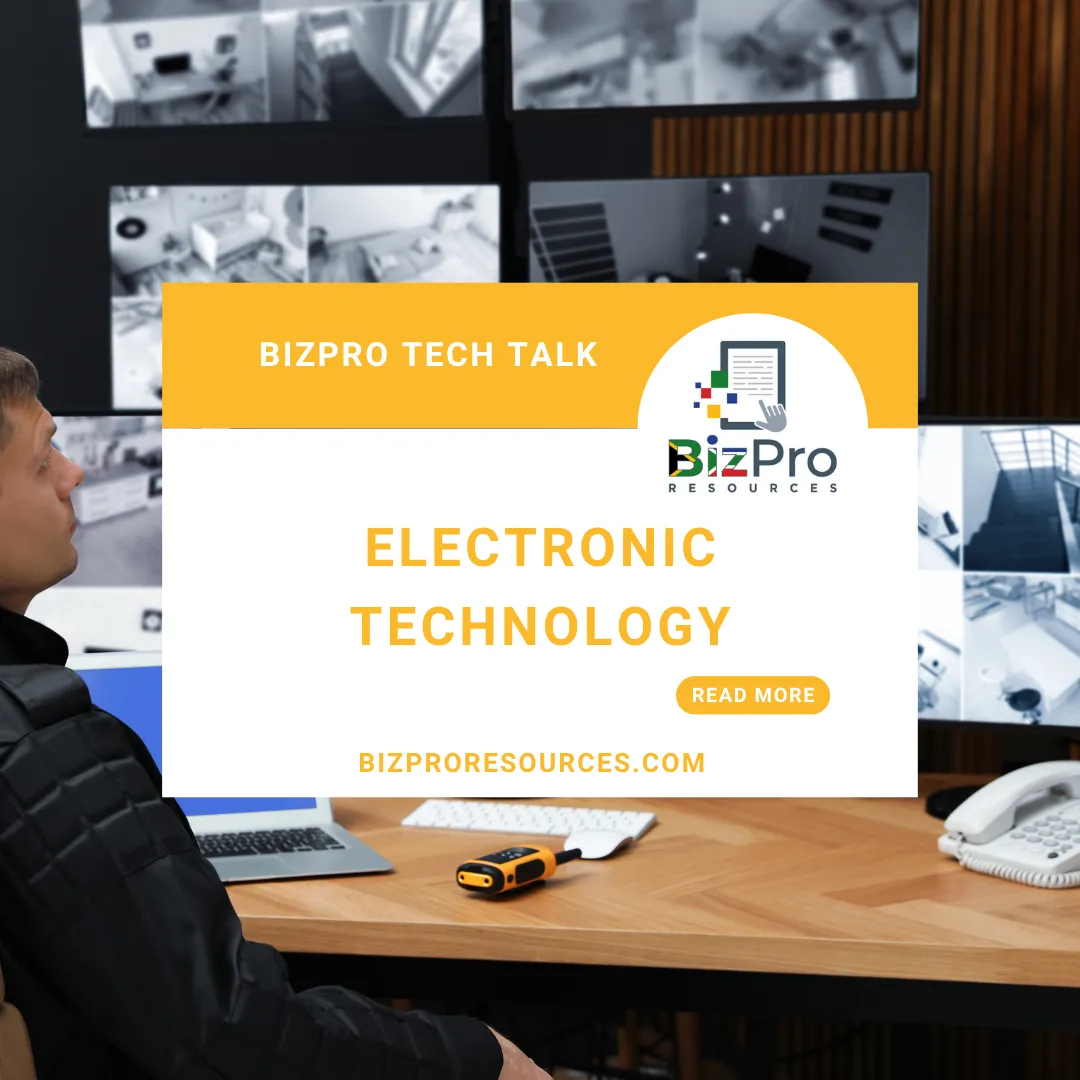
CCTV (Closed-Circuit Television) systems use cameras to record and monitor activity in and around your business premises. The footage is usually stored on a recorder and can be viewed live or later.
Example in a Small Business
A retail shop installs cameras inside the store and outside the entrance to monitor customers, staff activity, and deliveries.
Benefits
Deters theft and crime
Provides evidence if incidents happen
Allows remote monitoring from your phone
Improves staff accountability
What to Know Before Choosing
Camera quality (1080p vs 4K)
Night vision capability
Storage capacity (how many days you can keep footage)
Remote viewing features
Installation quality (very important for reliability)
2. Electric Fencing

What It Is
Electric fencing is a security system that delivers a non-lethal electric shock when touched. It is installed on walls or fences to prevent intruders from entering.
Example in a Small Business
A warehouse installs electric fencing around its perimeter to prevent break-ins at night.
Benefits
Strong physical deterrent
Works 24/7
Can be linked to alarm systems
Low running cost
What to Know Before Choosing
Compliance with local regulations
Quality of installation (poor installation reduces effectiveness)
Backup power (battery) for load shedding
Integration with alarms
Maintenance requirements
3. Automated Gates, Turnstiles, and Boom Gates

What It Is
These are motorised systems that control entry and exit of vehicles or people.
Automated gates – control vehicle access
Boom gates – used in parking areas
Turnstiles – control pedestrian access
Example in a Small Business
An office park uses boom gates at the entrance and turnstiles at the building door to control who enters.
Benefits
Improves security
Controls traffic flow
Reduces need for manual guards
Creates a professional image
What to Know Before Choosing
Motor strength and durability
Speed of operation
Backup power for outages
Integration with access control systems
Safety features (anti-crush sensors)
4. Biometric Systems

What It Is
Biometric systems use unique physical features like fingerprints, facial recognition, or iris scans to identify people.
Example in a Small Business
A small factory uses a fingerprint system for staff to clock in and out, ensuring accurate attendance records.
Benefits
Prevents “buddy punching” (staff clocking in for each other)
Improves security
Easy to use
Accurate time tracking
What to Know Before Choosing
Type of biometric (fingerprint vs facial recognition)
Speed and accuracy of the system
Data storage and privacy compliance
Integration with payroll systems
Durability in your environment (dust, heat, etc.)
5. Alarm Systems

What It Is
Alarm systems detect unauthorised entry and trigger alerts such as sirens or notifications.
Example in a Small Business
A small office installs motion sensors and door contacts that trigger an alarm when someone breaks in after hours.
Benefits
Immediate response to intrusions
Can be linked to armed response services
Acts as a deterrent
Works well with other systems
What to Know Before Choosing
Type of sensors (motion, door, glass break)
Monitoring options (self vs security company)
False alarm management
Backup power
Ease of use
6. Intercom Systems

What It Is
Intercom systems allow communication between people at different points, often at entrances.
Example in a Small Business
A business uses a video intercom at the gate so staff can see and speak to visitors before allowing access.
Benefits
Improves access control
Enhances security
Convenient communication
Can integrate with gate systems
What to Know Before Choosing
Audio vs video systems
Wired vs wireless
Integration with other systems
Image and sound quality
Reliability
7. Access Control Systems (Cards, Tags, Keypads, Fingerprints)

What It Is
These systems control who can enter certain areas using cards, tags, PIN codes, fingerprints, or mobile apps.
Example in a Small Business
A warehouse uses access cards so only authorised staff can enter storage areas.
Benefits
Controls access to sensitive areas
Tracks who enters and exits
Easy to manage users
Scalable as business grows
What to Know Before Choosing
Type of credential (card, tag, mobile app)
Number of users
System scalability
Integration with other security systems
Software usability
How Electronic Systems Work Together
In a well-designed business, these systems are not used alone. They are integrated.
For example:
CCTV + alarms = better security monitoring
Biometrics + access control = strong entry management
Intercom + automated gate = controlled visitor access
When systems work together, your business becomes more secure, more efficient, and easier to manage.
How to Choose the Right Electronic Technology
Choosing the right system depends on your business needs. Start by asking:
✅ Key Questions
What risks does my business face?
Do I need more security, control, or automation?
What is my budget?
Will the system grow with my business?
Who will install and maintain it?
Common Mistakes to Avoid
Installing cheap, low-quality systems
Not planning for power outages (very important in SA)
Ignoring maintenance
Not training staff properly
Choosing systems that cannot integrate
Final Thoughts
Electronic technology is one of the most powerful tools available to small business owners today. It helps you protect your assets, manage your people, and run your business more efficiently.
Systems like CCTV, electric fencing, automated gates, biometric access, and alarms are not just “nice to have” — in many cases, they are essential.
However, the key is not to install everything. The key is to choose the right combination of technologies based on your specific business needs.
When deciding, always focus on:
Your security risks
Your daily operations
Your budget
The reliability and scalability of the system
By understanding electronic technology and making informed choices, you can build a business that is secure, efficient, and ready for growth.
Our next article dives into Communications Technology.
Related Articles in the Essential Technologies Series
Essential Business Technology for Small Businesses
Essential Business Technology - Electronics
Essential Business Technology - Communications
Essential Business Technology - Information Technology
Essential Business Technology - Artificial Intelligence
AI Disclaimer
AI Tools were used to assist with research. Remember to always cross-check everything that you read.


